The smart way to run a repair service
How you organize your workflow has a big impact on your service business.
We can help.
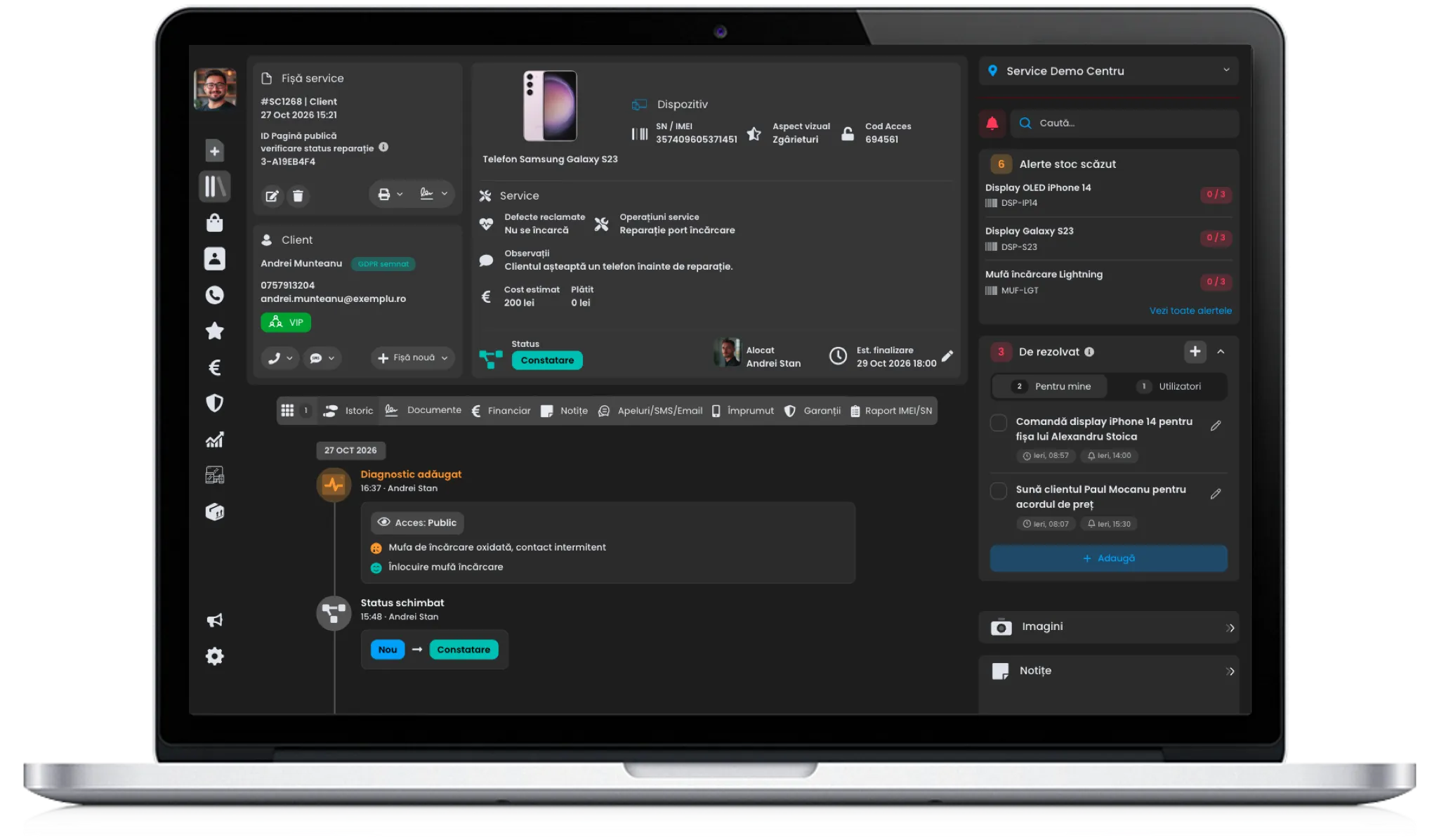
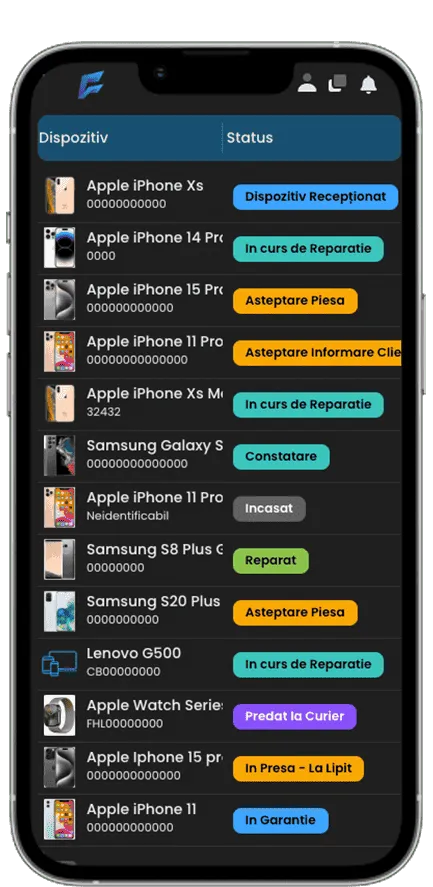
One platform for operations, customers and growth
Your whole business in one app
Replaces the notebook, the spreadsheet and the three apps you use now.
From the counter to handover, without paper
Every device has a record, a history and a status the customer can see too.
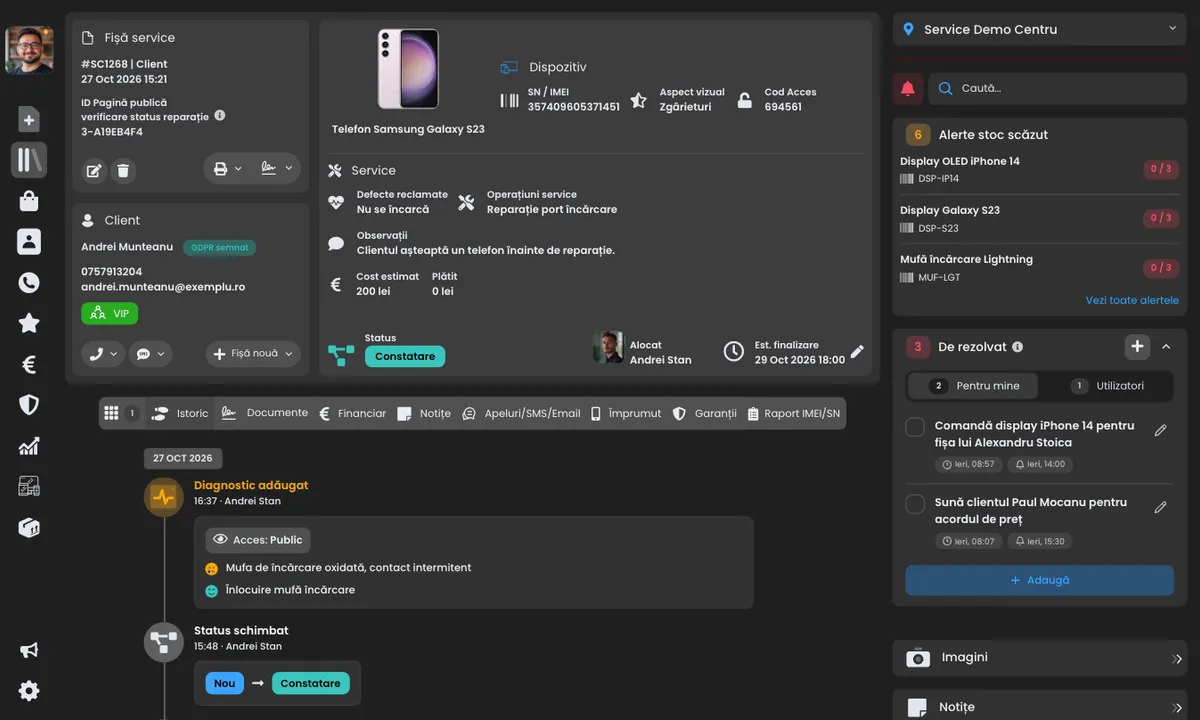
Diagnosis, record and price in a few clicks
You take in the device, fill in the record and the customer signs on a tablet. It all stays linked to the device’s history.
- Record with serial number/IMEI, fault, accessories and photos
- The customer’s digital signature
- Quote approved by the customer from a link
- The record filled in by voice, with AI
-
Find any record
Search by customer name, phone, email or any other detail and see every matching record.
-
Get the model from the IMEI
Enter the IMEI and see right away which device it is.
-
Customer profile
Everything about the customer in one place: records, payments, calls and messages, notes, reviews, warranties, GDPR and orders.
-
Labels and handover receipts
Print the device label and the customer’s receipt in one click.

Three ways to sign
On your device, on the kiosk at the counter, or on the customer’s phone through a link. The document is legal, valid, stored.
- Create any document template you need
- The customer gets the signed document automatically
-
On your device
The document opens full screen on your phone or tablet, and the customer signs right there.

-
On a kiosk
Send the document to the tablet at the counter and the customer signs on screen. Between signatures, the kiosk plays your images and videos.

-
On the customer’s device
Send the customer a link by email, SMS, WhatsApp or as a QR code. They open it on their own phone and sign with a finger.


Prefer paper?
Every FixFix document can also be printed, with the record’s details already filled in. The customer signs with a pen, and you photograph or scan the signed copy and attach it to the record.
In the workshop, everyone knows what to do
You set the workflow, and the app follows it.
Work your way, not the app’s way
You create the statuses, fields and documents, and checklists make sure nothing is forgotten.
- Custom statuses, fields and documents
- Required checklists when a device comes in
- Checks at completion and at quality control
-
Records list
Combined filters, columns you can move and saved views.
-
To-dos
Note what needs doing, for you or a colleague, with an SMS reminder.
-
Team announcements
Write an announcement and every user sees it as a banner in the app.
-
Technicians and deadlines
Every record has someone in charge and a due date.
Always know what’s on the shelf and what you’ve taken in
Stock, orders and payments, in the same app.
Get paid straight from the record
When the customer picks up the device, you take payment on the spot, and the fiscal receipt or invoice is issued through SmartBill.
- Fiscal receipts and invoices through SmartBill
- Cash, card or advance payments
- Always know who still owes you
-
Stock and parts
Deducted automatically from the record, with an alert when stock runs low.
-
Customer orders
Customer wants a case or a charger? Create an order with a status and notifications, just like a record.
-
Prices and price lists
Price lists by model and type of repair.
-
Reports
Takings, profit and technicians for any period.
Customers find out on their own when their device is ready
You handle the repairs; the customer is kept up to date.
The customer is notified on every channel
You choose which messages go out, when and on which channel, with a link to the status page.
- Automatic SMS and email, WhatsApp in one click
- A status page for the customer
- Editable message templates
-
Status page
The customer sees how the repair is going, the photos and the quote, and signs documents from home.
-
Automatic messages
Write the message once; it goes out by itself at every status.
-
Warranties tracked
You set the warranty period: per device type, part or service.
-
5-star reviews
Ask for a review automatically when a record closes or at any status, with a link to Google or Facebook.

Grow from one location to a network
The same app, however many technicians or locations you have.
One app, any number of locations
Each location has its own stock, and you see their results separately or together.
- Switch between locations in one click
- Reports for each location
- Separate stock for each location
-
Team and permissions
Everyone sees only what they need.
-
Work together in real time
What one colleague changes shows up for everyone at once.
-
Activity log
See who changed what, and when.
-
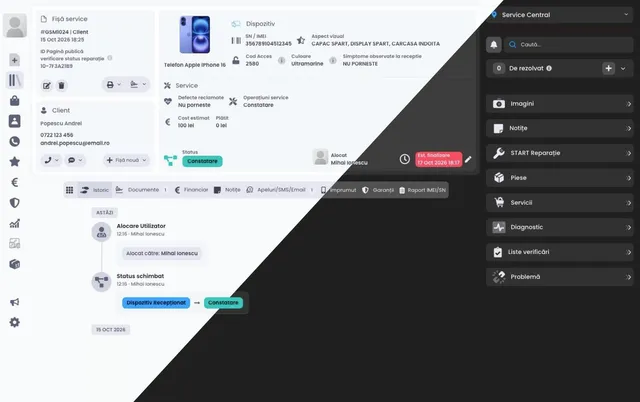
Light or dark
Pick the light theme or the dark one.
One system for every place you work
FixFix keeps your team in sync, wherever the work happens.
-
In the office
The web app
-
In the workshop and on the road
On a phone or tablet
-
At the counter
Kiosk for signatures and ads


Integrations with your favourite apps
Integrations with the best-known platforms, to fully optimise your workflow.
-
 SmartBill
 -
 WhatsApp
 -
 Telegram
 -
 SMSO
SMSO -
 SMSGate
 -
 FixFix SMS
 -
 RoboSMS
 - FixFix Email
-
 Zadarma
 - Company data from tax ID
-
 imeidb.xyz
 -
 imeicheck.net
 - Voice intake
Easy to get started
- Step 1
Create your account and start your free trial in a few clicks.
- Step 2
Get going fast: we import your data for free and guide you through setup.
- Step 3
Got a question? Our support team answers fast, around the clock.
Start simple. Grow without switching tools.
-
Solo and getting started
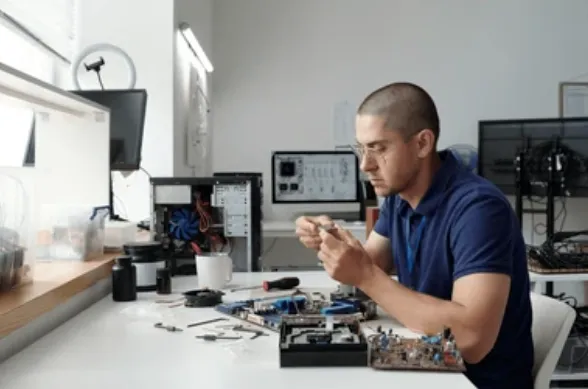
Run your service from your phone
FixFix works fully in your phone’s browser: track records, talk to customers and take payments wherever you are. No complicated setup.
- Start working in minutes
- Records, customers and payments in one app
- Service records and finances from day one
-
Growing teams
Add structure as your team grows
When you hire, FixFix keeps work organized and transparent. Everyone knows what to do, records move faster, and you follow everything in one place.
- Records assigned to each technician, plus appointments
- One shared workflow and real-time statuses
- Clear roles, access rights and an activity log

-
Multiple locations
Grow without losing control
When you open another location, everything stays connected. You run it all from one account and work the same way everywhere.
- All locations in one account
- Stock and users for each location
- The same workflow everywhere

The things people ask most
-
What is the free trial?
For 30 days you use every FixFix feature for free, with help from our support team. You only create an account, with no credit card and no contract. If you move to a paid plan before the end, the trial days you have left are added to your subscription.
-
Can I change my plan?
Yes, switch plans at any time and add or remove users and locations as often as you like. The price difference is prorated to the days left in your paid period.
-
How can I pay for my subscription?
By card, Visa or Mastercard. Prices are in Romanian lei. You can also pay by bank transfer: contact our support team for the details.
-
Can I work on several devices at the same time?
Yes, each user can be signed in on a computer and on a mobile device at the same time. If you sign in on another computer or another mobile device, the older session on that type of device is closed.
-
How do I cancel my subscription?
You can cancel at any time from your account settings. Access remains active until the end of the paid period. There are no cancellation fees.