From the counter to handover, without paper
Every device has a record, a history and a status the customer can see too.
-
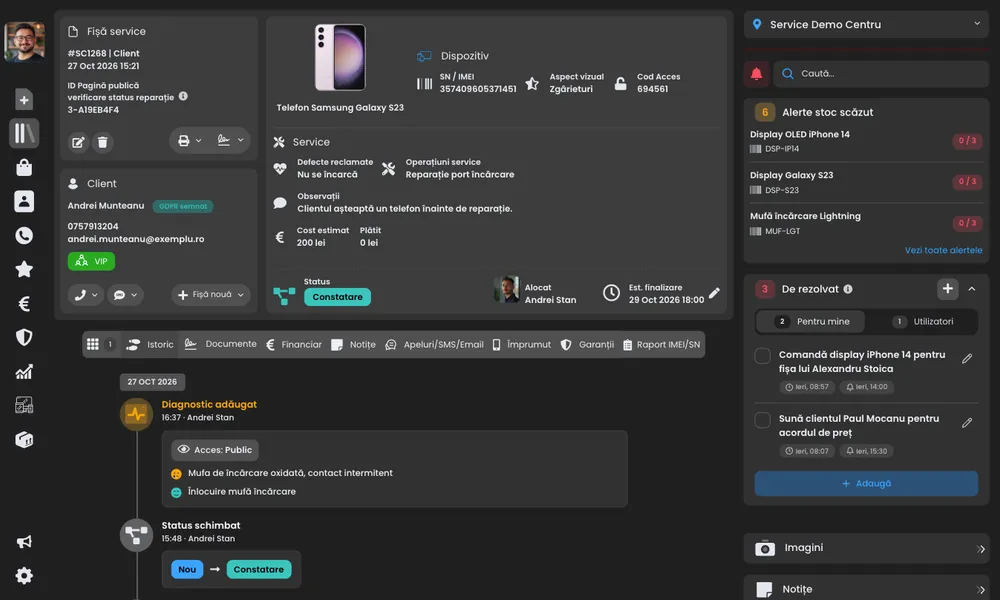
The service record
Take in the device, fill in the record and the customer signs. Everything stays linked to the device’s history.
- Record with serial/IMEI, fault, accessories and photos
- Price quote the customer approves from a link
- Device label and handover receipt in one click
-
Voice intake
Press a button, describe the device and the fault, and the AI fills in the record. It works in any language.
- Fills in brand, model, fault and any other field, your own fields included
- Check and correct any field before saving
-
Find any record
Search by customer name, phone, email or any other detail and see every matching record.
-
Everything about a device, from its IMEI
Enter the IMEI and see right away which device it is, with a picture of the model.
- The IMEI’s history and earlier records
- See whether the device has been in before
- Blacklist check
-
Customer profile
Everything about the customer in one place: records, payments, calls and messages, notes, reviews, warranties, GDPR and orders.
- Duplicate customers are flagged as you type
- Import customers from CSV
- Group customers with tags, such as VIP or companies
- GDPR delete and export in one click
-
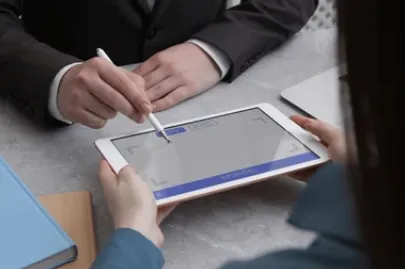
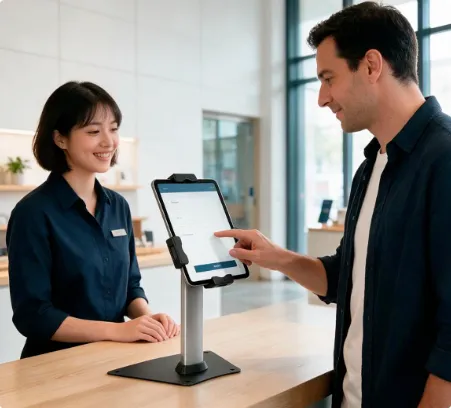
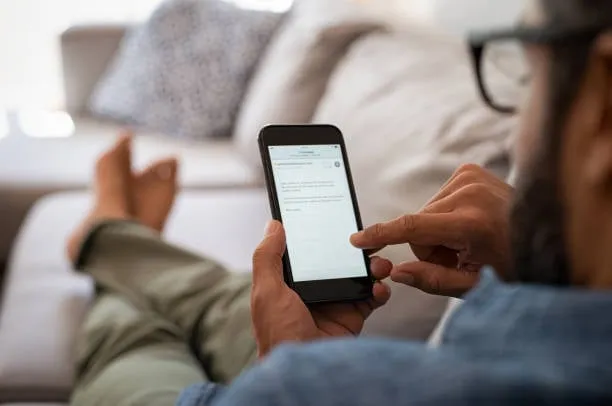
Three ways to sign
The customer signs on your device, on the kiosk at the counter or on their own phone through a link.
- Link by email, SMS, WhatsApp or QR
- Prefer paper? Take a photo of the signed document and upload it to the record
- The customer gets the signed document automatically
- Signed documents are kept with the date and time of signing
-
Print templates
The record, the warranty or any other document prints with your logo and the record’s details already filled in.
- Create any document template
- Details fill in from the record
-
Loaner devices
Keep track of the devices you lend customers while you repair theirs.
- Who has the device and when it came back
- Notes at handover and return
- History for each device
 Apple iPhone 17 Pro